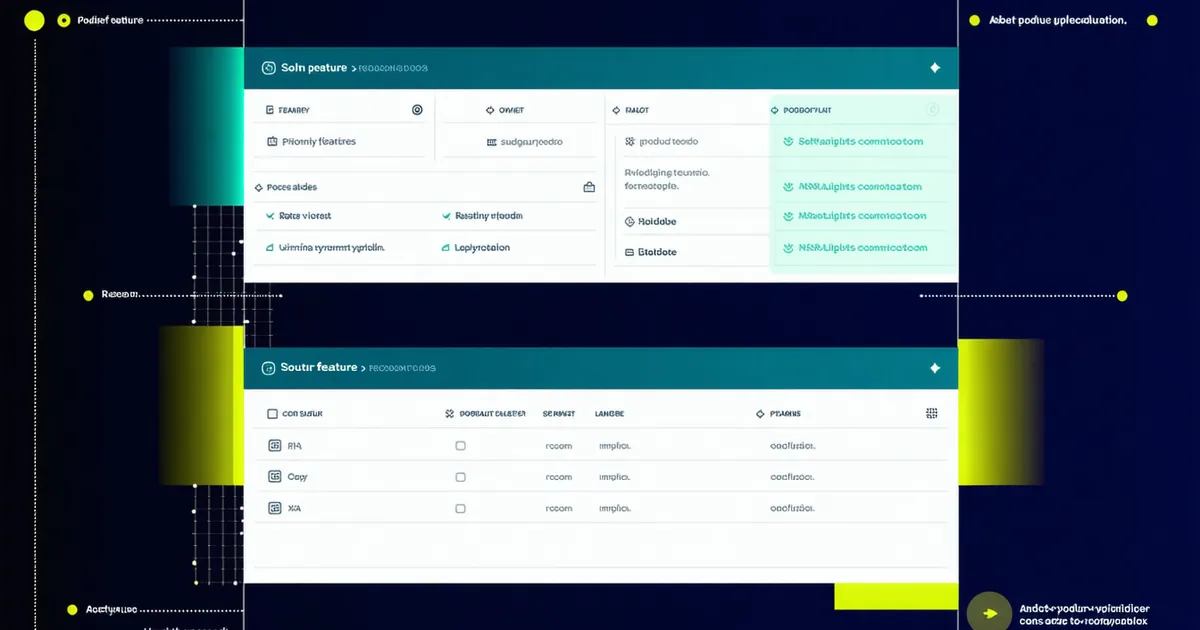
Two features shipped in our latest release that address feedback we have heard consistently since launch: the coordination workflow breaks down when the clash report contains issues from multiple disciplines and participants can't filter to what's relevant for them; and the pre-meeting report needs to arrive automatically, not require a manual export step that the BIM Coordinator has to remember to run.
Both features are now live for all Firm and Enterprise accounts. Studio accounts get discipline filtering; the pre-meeting digest is a Firm/Enterprise feature. Here is what each does, how to configure it, and the specific workflow problem it is solving.
Discipline-Level Clash Filtering
What It Does
Discipline filtering lets you generate a view of your coordination dashboard — and any exported report — that shows only the clash categories relevant to a specific discipline. A mechanical engineer opening the project link now sees MEP-Mechanical issues by default, without needing to scroll past structural-architectural or electrical-plumbing conflicts that aren't their responsibility.
The filter works at the discipline pair level, not just the single discipline level. The supported filter options:
- By discipline: show all issues where a specific discipline is one of the two conflicting parties (e.g., "all issues involving Structural")
- By discipline pair: show only issues between two specific disciplines (e.g., "MEP-Mechanical vs. Structural only")
- By responsible discipline: show only issues assigned to a specific discipline lead (the subset that requires that discipline's action)
- Combined filter: discipline pair + severity (e.g., "MEP-Mechanical vs. Structural, High and Critical only")
How to Use It
Filtering is available in the coordination dashboard under the filter panel on the left sidebar. Select one or more disciplines, choose your filter mode (involved, paired, or responsible), and the issue list and clash matrix update in real time. The filtered view can be saved as a named view and shared with consultants via a direct link — they open the link and see their filtered view without needing to configure it themselves.
For coordination meeting preparation, we recommend creating a saved view per discipline before distributing pre-meeting reports. The process: run your coordination analysis, configure each discipline's filter, save as a named view (e.g., "MEP-Mechanical — Round 12"), and share the link with the discipline lead. They access the link and see exactly the issues that require their attention, with no filtering configuration required on their end.
Why This Matters
The feedback that drove this feature: when discipline leads received the full project clash report, the first thing every participant did was manually filter to their discipline in their own spreadsheet or PDF viewer — adding 15–20 minutes of setup time per person per coordination round, with inconsistent results. Participants on different platforms (some using Excel, some in PDF, some reading HTML) were filtering differently and occasionally reviewing the wrong subset. One mechanical engineer reported sending a response to a coordination issue that turned out to be assigned to the electrical consultant — they had filtered by "MEP" without distinguishing MEP-Mechanical from MEP-Electrical.
Discipline filtering at the platform level eliminates that setup step and standardizes what each participant sees, regardless of their local tooling.
Pre-Meeting Digest Email
What It Does
The pre-meeting digest is an automatically generated summary email sent to your project team on a schedule you configure — typically 48–72 hours before a coordination meeting. The email contains:
- A summary of new clashes identified since the last digest (count by severity and discipline pair)
- A summary of open issues by responsible discipline (how many each discipline has outstanding)
- Issues that are past their assigned target resolution date (flagged for follow-up)
- Issues newly resolved or closed since the last digest
- A direct link to the full coordination dashboard with the round's data
The digest is automatically discipline-filtered per recipient — each team member receives the summary view for their discipline, not the full project summary (though the full summary is available via the dashboard link).
How to Configure It
Digest configuration is in Project Settings under "Notifications." You set:
- Delivery schedule: specific day and time each week, or a fixed interval before a recurring meeting (e.g., "48 hours before every Thursday at 10am")
- Recipient list: project team members added in the Team section. Each recipient's discipline assignment determines their filtered view in the digest.
- Discipline assignments: if a team member is not yet assigned to a discipline (e.g., the owner's representative or the project principal), they receive the full project summary by default. You can configure a custom view for any recipient.
- Digest content: optional toggles to include or exclude specific sections (e.g., some teams prefer to exclude the "resolved" summary to keep the email shorter)
Why This Matters
The manual step this replaces: before each coordination meeting, the BIM Coordinator would run a coordination analysis, export the report, write a summary email, attach the PDF, and send it to the project list — typically the morning of or the day before the meeting. On busy projects with multiple active coordination rounds, this task would occasionally be delayed or skipped entirely, and discipline leads would arrive at coordination meetings without having reviewed the issue list.
The digest automates the delivery and standardizes the format. The BIM Coordinator does not need to remember to send it. Discipline leads receive it on a predictable schedule. The discipline-filtered view means the email is directly actionable rather than requiring the recipient to locate their relevant items in a full report.
What's Coming Next
We are working on two features in the next release cycle. First: resolution tracking with model version confirmation — the ability to mark an issue as "confirmed resolved" based on a model update submission, rather than relying on manual status changes. This closes a gap in the current workflow where issues get marked resolved without a corresponding model update being verified.
Second: GC handoff package export — a one-click export of the coordination register, open items log, and model revision index in a format appropriate for the design-to-construction handoff. This addresses the documentation gap described in the coordination handoff article we published last month.
Both features are planned for the next release. If you have feedback on the discipline filtering or pre-meeting digest, reach out to the team at [email protected] — particularly if there are filter configurations or digest content formats that would make either more useful for your specific coordination workflow.