Clash matrix. Pre-meeting digest. Resolution log. One tool, one coordination workflow.
Bimvyne handles the full coordination cycle: overnight analysis of your federated model, prioritized clash matrix before the meeting, discipline-routed assignment after, and a change log for GC handoff. No separate Navisworks session. No manual triage.
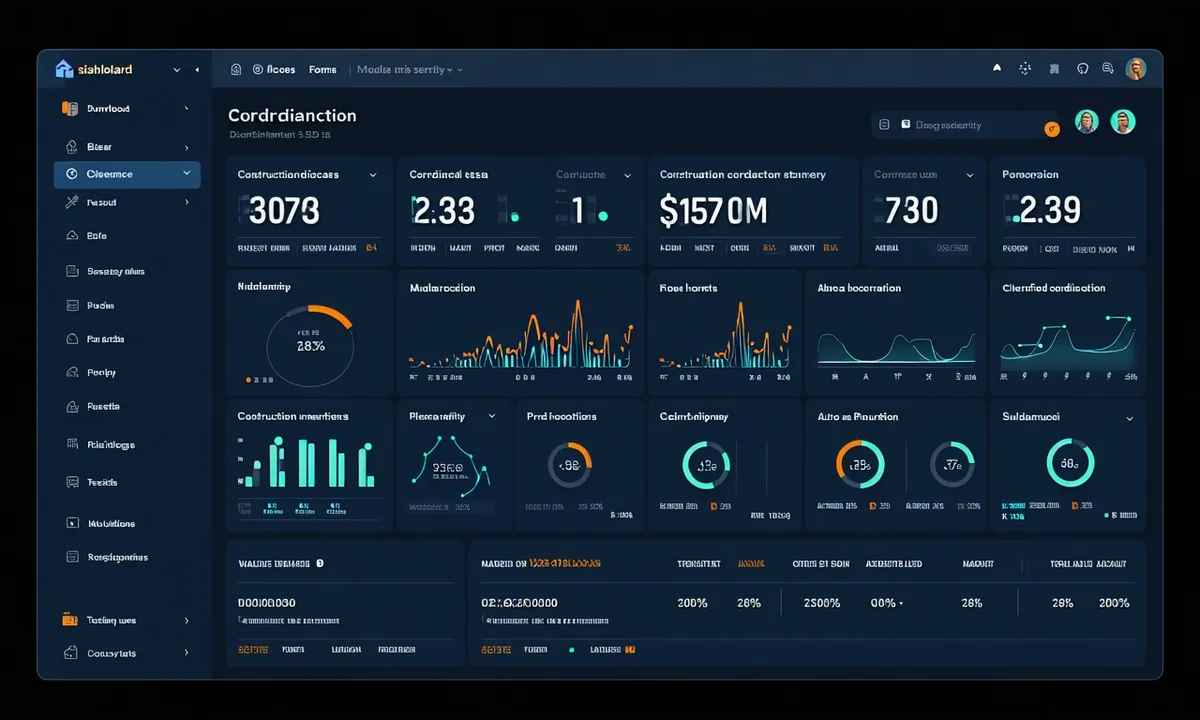
Built around how a BIM Coordinator actually runs a project
Not a generic project management platform with BIM tabs added. Every feature addresses a specific step in multi-discipline model coordination.
Clash Prioritization
Not all clashes are equal. Bimvyne ranks by severity, discipline impact, and proximity to critical path elements. High-severity structural clashes float to the top.
Discipline Filtering
Filter clash matrix by discipline pair — MEP vs Structural, Architectural vs MEP. Show only what's relevant to the team in the room.
LOD-Aware Analysis
Understands LOD 200 through LOD 500. Reports are calibrated to the model's current development stage — no false positives from schematic-phase geometry.
Pre-Meeting Digest
PDF + dashboard clash matrix delivered automatically 6 hours before every scheduled coordination meeting. Configurable delivery schedule per project.
Model Version Diff
Compare clash reports between model versions. See which clashes were resolved, which were added, and which disciplines uploaded updated geometry.
Integration Ready
Import Revit RVT, IFC, NWD, and NWC files. REST API for clash data. Webhook notifications for report delivery. Designed for your existing BIM stack.
Your full coordination picture, at a glance
The Bimvyne coordination dashboard gives every project stakeholder a real-time view of clash status across all disciplines.
From clash detected to resolution logged
Bimvyne doesn't just find clashes — it tracks resolution through your team's workflow to GC handoff.
Model Upload
Upload your federated model via the dashboard or API. Supported: Revit (RVT), IFC 2x3/IFC 4, NWD/NWC. Files up to 2GB on Firm tier. Upload triggers automated analysis run.
AI Analysis
Bimvyne's coordination engine detects geometric intersections, scores severity, identifies discipline pairs, and maps LOD. Analysis runs overnight or on-demand. Processing time: 15–45 minutes depending on model complexity.
Report Delivery
Dashboard view + PDF digest delivered 6 hours before scheduled meeting. Email digest to all project team members. Clash matrix sortable by severity, discipline, and LOD level.
Resolution Tracking
Assign each clash to the responsible discipline lead. Mark resolved, in progress, or deferred. Generate a change log for GC handoff documentation. Track resolution rate across model versions.
Works with the formats your team already uses
File-format import — no plug-in installation, no API partnership required. Drop in your model and go.
All imports are file-format based. No third-party API connections or plug-in installations required.
Run the analysis on your current active project
Upload your federated model — RVT, IFC, or NWD — and see Bimvyne's clash report before your next coordination meeting. 14-day trial, no credit card required.